Personal project · Open source
SpeakType
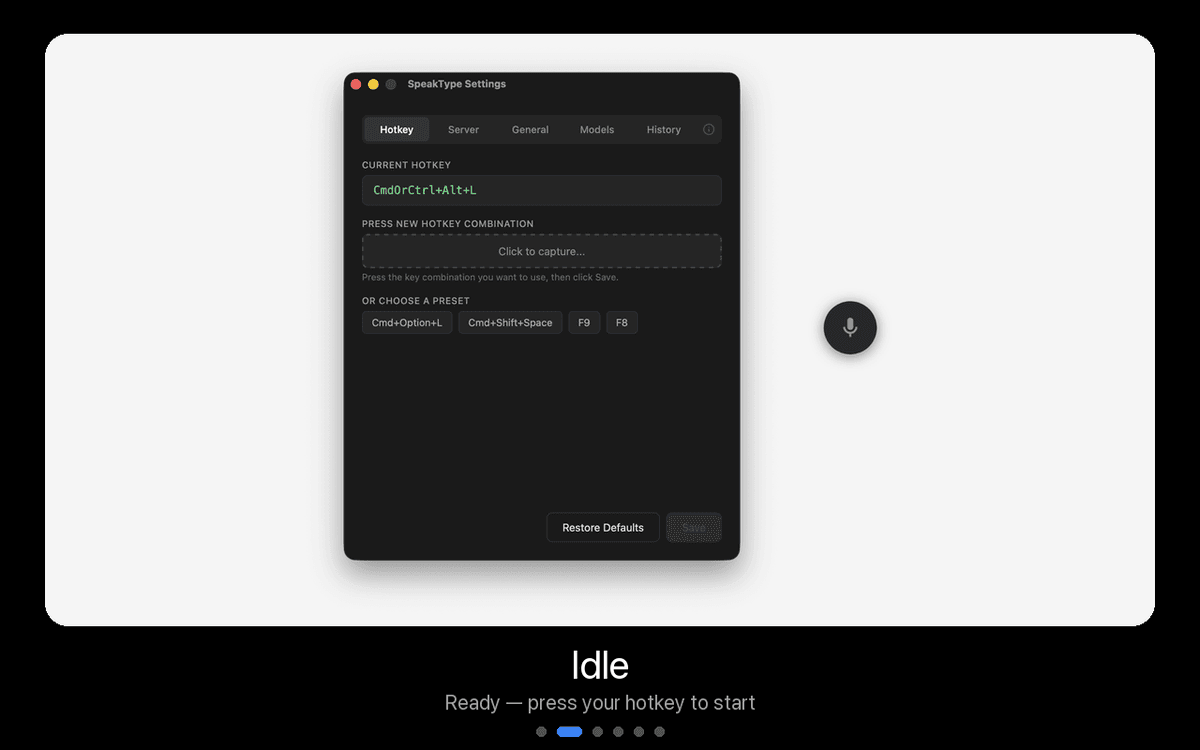
Push-to-talk voice typing that works everywhere. Press a hotkey, speak, press again — your words appear wherever you're typing.
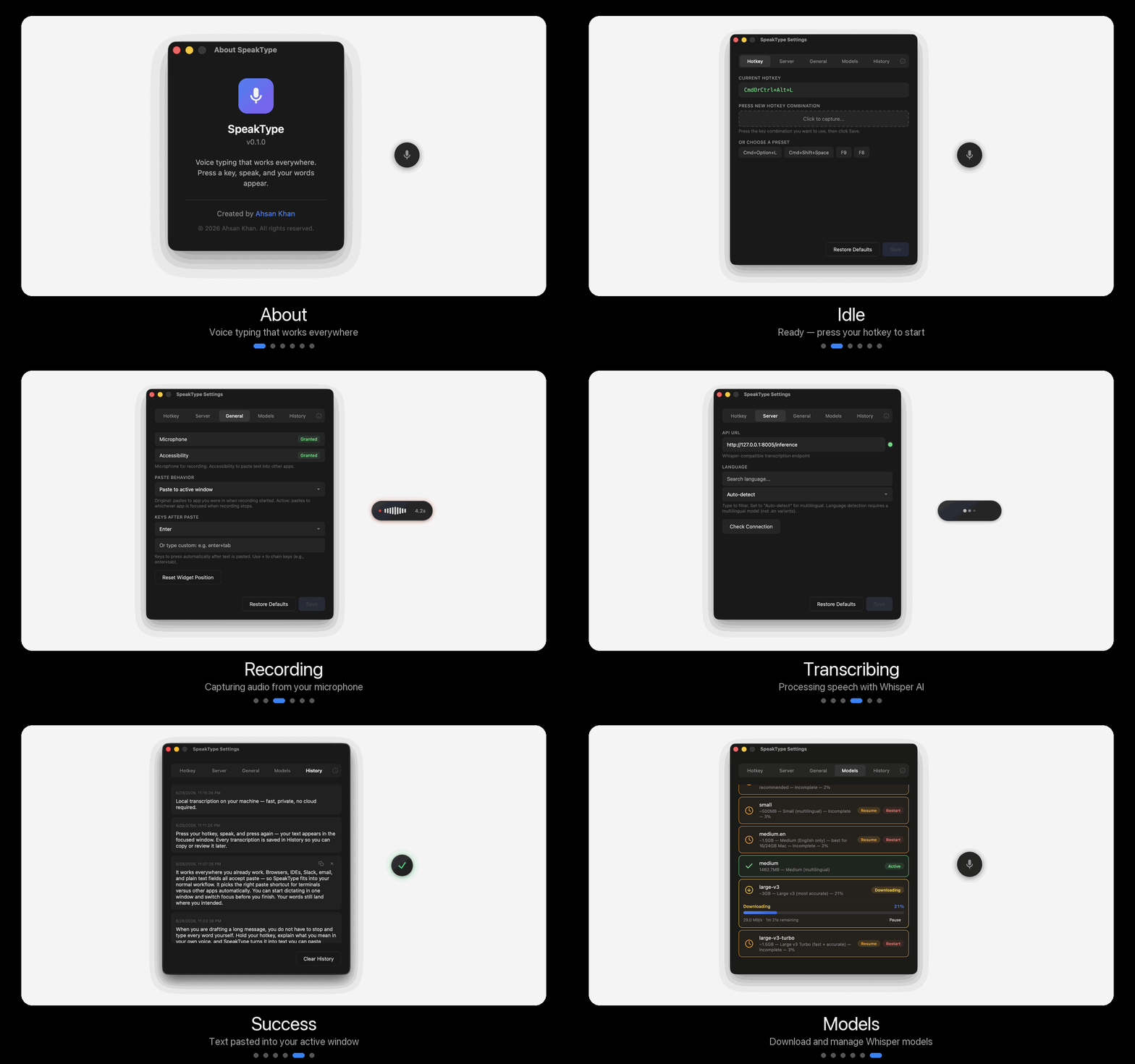
Why I built it
I live in Cursor, terminals, and browsers. When I'm drafting a long prompt for an AI agent or writing a detailed PR comment, typing forces me to compress my thinking. I self-edit before the sentence is even finished. Speaking doesn't have that filter — I explain the full context, the edge cases, the “actually, also do this” parts that never make it through my fingers.
Existing dictation tools are either locked to one app, send your voice to the cloud, or require a subscription. I wanted something different: a global hotkey, local Whisper inference, and paste into whatever window already has focus. So I built SpeakType — first as a Python CLI for cross-platform use, then as a polished macOS widget with Tauri for the experience I actually wanted on my own machine.
Works everywhere
One hotkey pastes into Cursor, VS Code, Terminal, Slack, Gmail, GitHub — whatever has focus. No app switching.
Private by default
Audio and transcription stay on your machine. No accounts, no telemetry, no cloud unless you explicitly configure one.
Push-to-talk
Press ⌘+Option+L, speak naturally, press again. Your full thought lands — not the truncated version you'd type.
How it works
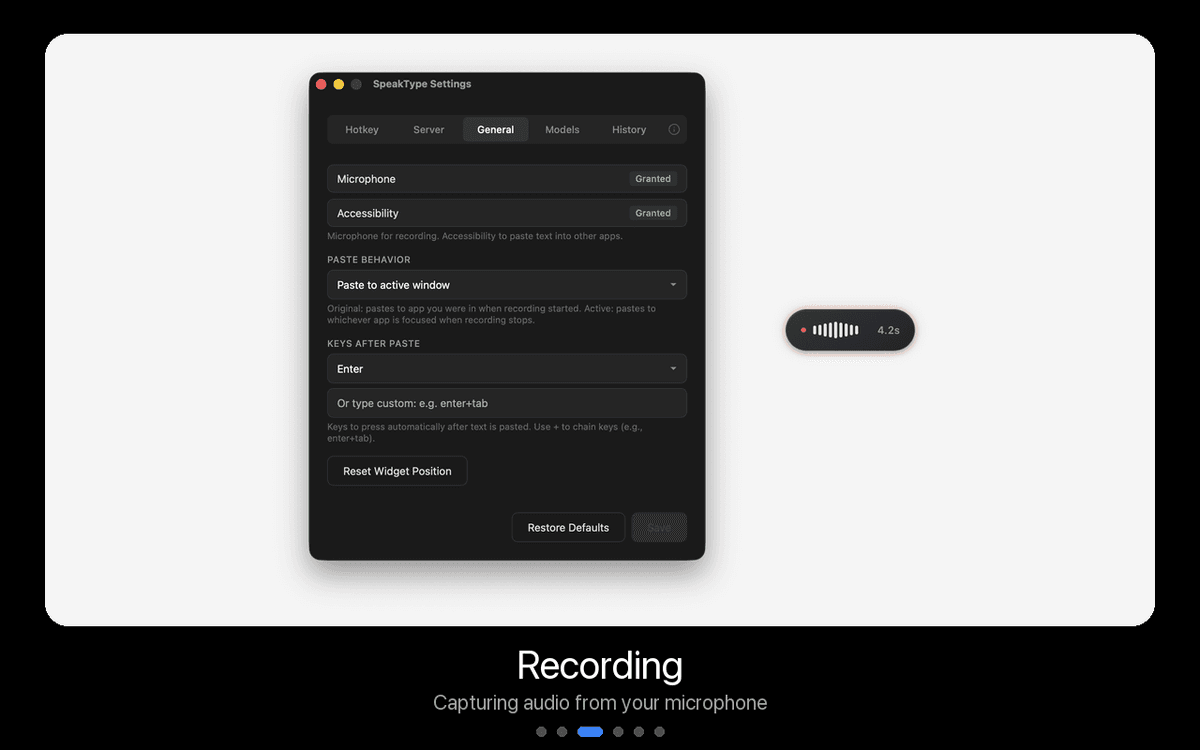
- 1Press the hotkey(⌘+Option+L on macOS, F9 on CLI) — a tiny floating widget shows you're recording.
- 2Speak naturally. Explain the full task — the widget captures audio locally via your microphone.
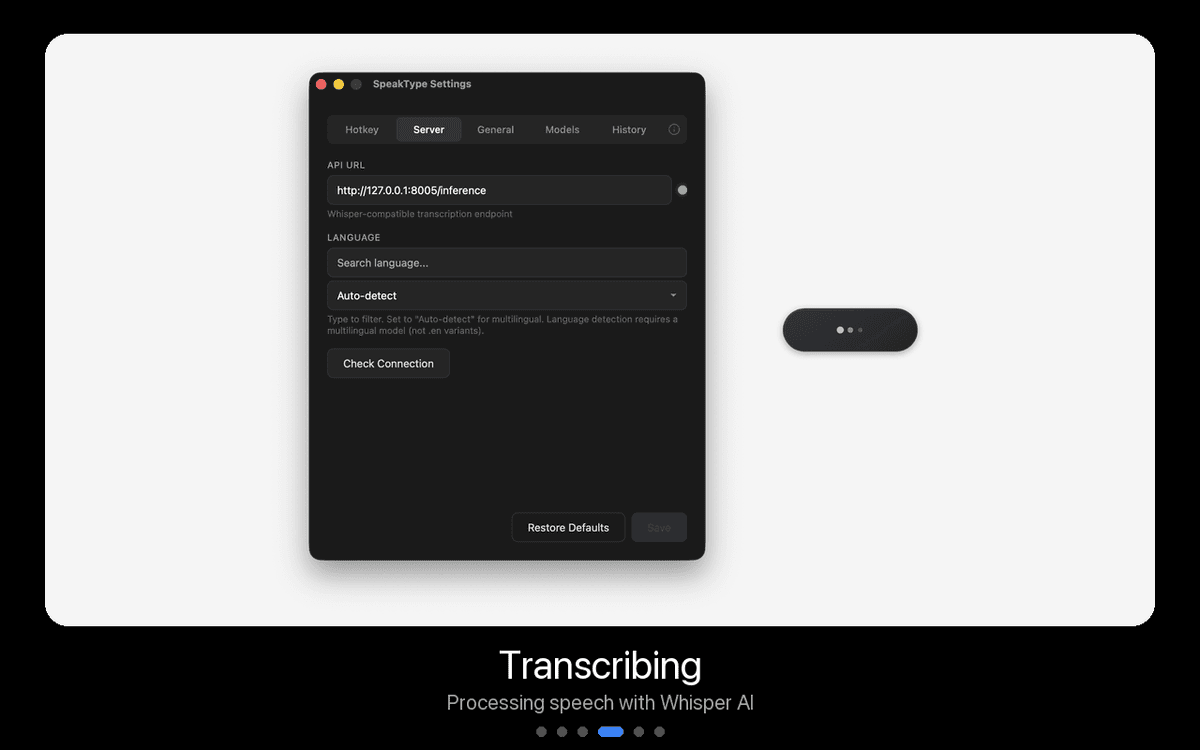
- 3Press again. Whisper transcribes on your machine. Text is copied and pasted into the focused window — with smart terminal detection (⌘+Shift+V in terminals, ⌘+V elsewhere).
Under the hood
# macOS widget pipeline
Hotkey → cpal audio capture → whisper.cpp sidecar
→ hallucination filter → clipboard → focus target window → paste
# Python CLI pipeline
Hotkey → sounddevice → Silero VAD → faster-whisper
→ smart paste → optional local FastAPI server
- Tauri 2
- Rust
- whisper.cpp
- faster-whisper
- Python
- FastAPI
- Silero VAD
The widget in action
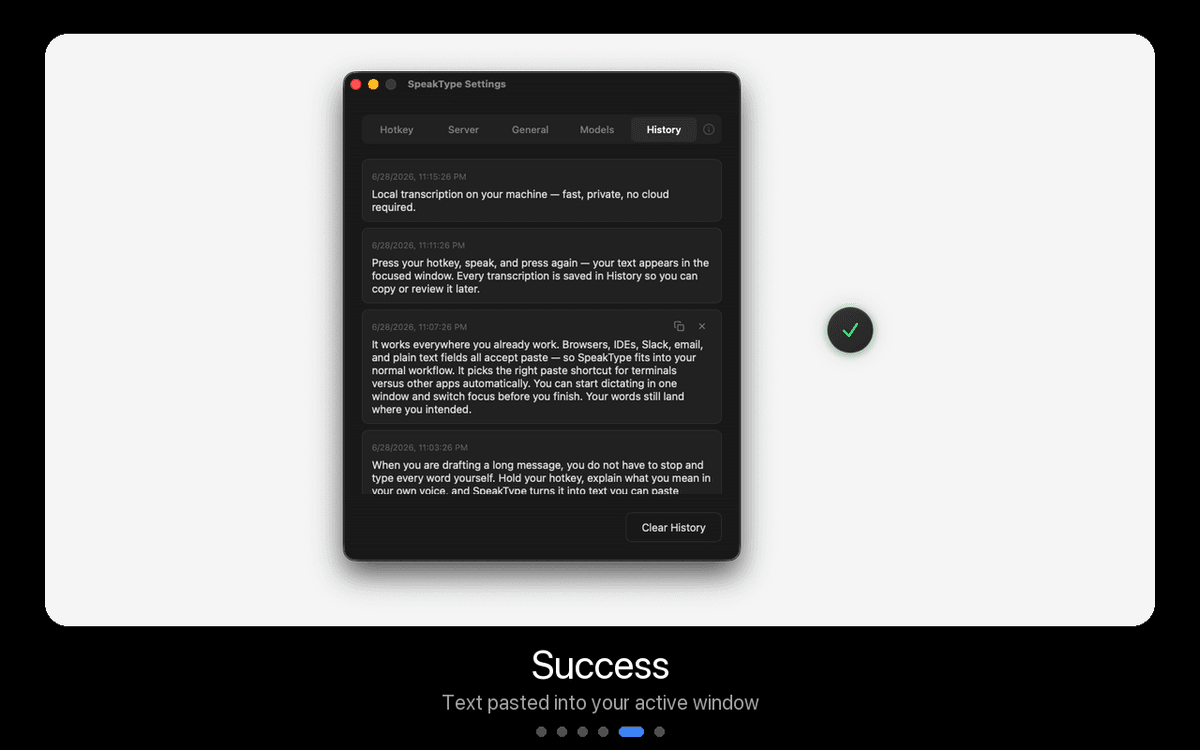
Built for real workflows
- Long AI prompts in Cursor or Claude Code — explain the full context instead of typing a summary
- Commit messages and shell commands with smart terminal paste (⌘+Shift+V where needed)
- Email, PR comments, and Slack replies without breaking flow
- Offline dictation after a one-time model download — plane, train, spotty Wi‑Fi
Privacy, by design
No accounts. No telemetry. No cloud transcription unless you explicitly point the CLI at an external API. Audio never leaves your machine during normal use. The only network call is a one-time model download from Hugging Face — after that, you can dictate on a plane.
Permissions needed: Microphone + Accessibility (for paste simulation). That's it — no screen recording, no full disk access.